|
Document Excerpts
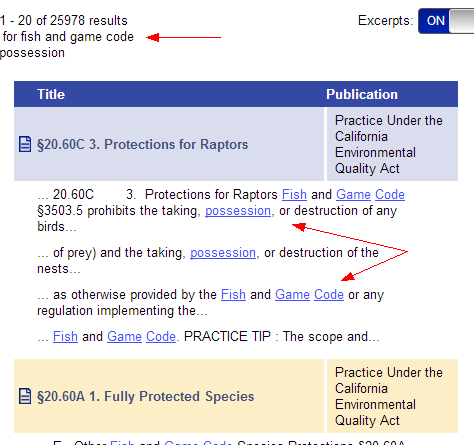
Document excerpts, which display on the Results screen, are sections of a document where the terms you've searched for are present. OnLAW's excerpts display below the title of the document and vary in length depending on whether you are accessing OnLAW from a desktop computer or mobile device.
Desktop
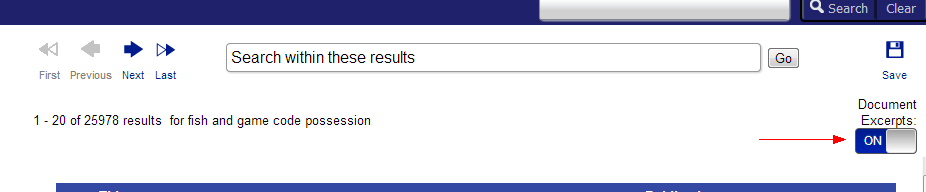
Excerpts are automatically turned "on" and will display each time you perform a search. You can turn them "off" by clicking the "Document Excerpts" toggle switch on the Results page. OnLAW will remember your excerpts selection throughout each session, which means it will be restored to its default position every time you log in or refresh the browser.
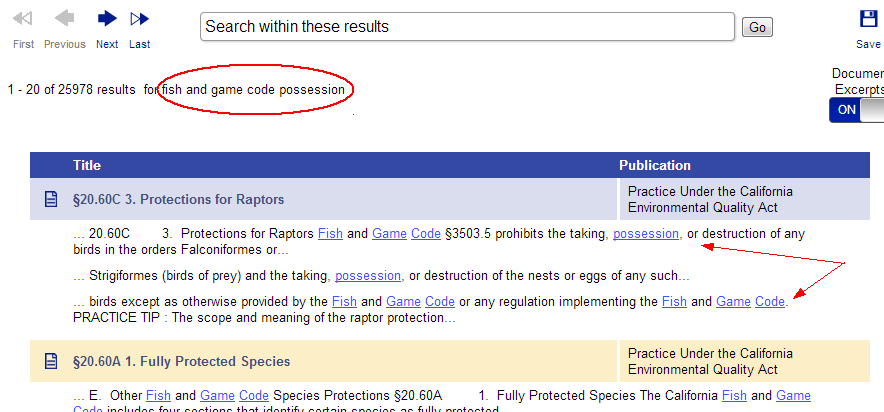
When document excerpts are "on," terms you've searched for will appear as links. Clicking the link will take you to the document.
Note: Excerpts toggle will appear as a check box in some versions of Internet Explorer.
Mobile
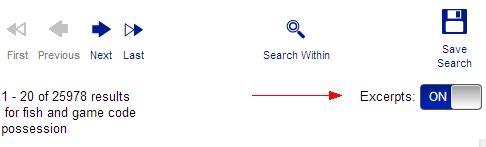
Excerpts are automatically turned "off" will not display when you perform a search. You can turn them "on" by tapping the "Excerpts" toggle switch to the "On" position on the Results page. OnLAW will remember your excerpts selection throughout each session, which means it will be restored to its default position every time you log in or refresh the browser.
When document excerpts are "on," terms you've searched for will appear as links. Tapping the link will take you to the document.